 Astrolinks


Short answer
Under EU law, employers are expected to record daily working time, and the GDPR controls how they do it. Collect only what the purpose needs, usually start, end and break times, tell staff what you record and why, keep it only as long as required, and avoid screenshots or activity scoring unless you can prove they are necessary.
Astrolinks tracks work by client with no screenshots or keystroke logging, and the log stays on your computer. Get it free →
If you employ people in the European Union, two sets of rules meet in your time tracking. Working time law increasingly expects you to record hours. Data protection law, the GDPR, limits how much you record and what you do with it. Many employers hear only one half: either "we must track everything" or "tracking is a GDPR risk." Both are wrong.
This guide explains, in plain words, where the obligation to record time comes from, what the GDPR requires of a time tracking system, and a checklist you can use to review yours. It is general information, not legal advice. Rules differ between EU countries, so check with a local employment or data protection lawyer before you make changes.
Do EU employers have to track working time?
In practice, increasingly yes. Three points are worth knowing.
- The Working Time Directive (2003/88/EC) sets EU-wide limits, including an average maximum of 48 hours a week and a minimum of 11 consecutive hours of daily rest.
- The 2019 CJEU ruling. In May 2019, in case C-55/18 (often called the CCOO or Deutsche Bank case), the Court of Justice of the EU said member states must require employers to set up an objective, reliable and accessible system for recording each worker's daily working time. Without a record, the court reasoned, nobody can check whether the limits are respected.
- National rules. Countries have responded in different ways. Spain made daily time recording mandatory in 2019. In Germany, the Federal Labour Court ruled in September 2022 that employers already have a duty to record working time. Other countries have their own rules and exceptions, for example for some senior staff.
So the question for most EU employers is not whether to record time, but how to record it lawfully.
What does the GDPR require of a time tracking system?
Working hours are personal data, so the GDPR's core principles apply. Here is how each one plays out for time tracking.
| GDPR principle | What it means for time tracking |
|---|---|
| Purpose limitation | Decide why you record time (working time compliance, payroll, client billing) and don't reuse the data for unrelated things, such as ranking people by activity |
| Data minimisation | Collect what that purpose needs. For working time, that is usually start, end and break times |
| Lawful basis | Name your basis for each purpose, usually a legal obligation or legitimate interests, not consent |
| Transparency | Tell staff, before you start, what you record, why, who sees it and how long you keep it |
| Storage limitation | Keep records for a set period, then delete them |
| Accuracy | Let people check and correct their own records |
| Security | Restrict access and protect the data, including on the vendor's side |
Two more points apply to most time tracking tools:
- Vendors are processors. If a cloud tool stores your staff's time data, you need a data processing agreement with the vendor, and you should know where the data is stored.
- Monitoring may need an impact assessment. Systematic monitoring of employees is one of the situations where European data protection authorities expect a data protection impact assessment. A simple timesheet usually doesn't need one. Software that records screens or activity often does.
Why is consent the wrong basis for employee time tracking?
Consent under the GDPR has to be freely given, and that is hard to show when one side pays the other's salary. European data protection authorities have said for years that consent is rarely appropriate in employment for this reason. An employee who says no may fear the consequences, and an employer that relies on consent has to stop if consent is withdrawn.
For working time records, the usual basis is a legal obligation (the duty to record hours) or legitimate interests (for example, billing clients for time). Whichever you use, write it down and tell staff.
What should you avoid?
The GDPR doesn't ban specific features. It asks whether each piece of data is necessary for a stated purpose. Some features are very hard to justify for time tracking:
- Screenshots. They capture private messages, other people's data and anything on the screen. Hours don't need them.
- Keystroke logging. It can capture passwords and personal messages, and it measures typing, not work.
- Activity scores from mouse and keyboard. They are a weak proxy for work and a strong signal of surveillance.
- Webcam photos. Very intrusive and rarely necessary.
- Location tracking for office staff. Sometimes justified for field work during working hours, rarely otherwise.
- Full browsing history. If you need to sort time by project, the app or site name is usually enough.
If you believe one of these is necessary, you need a documented reason, an assessment of less intrusive options, and clear notice to staff. Our guide to bossware covers what these tools record and how they affect teams.
A GDPR time tracking checklist
Use this to review your current setup or choose a new tool.
- We have written down why we record time, for each purpose.
- We have named a lawful basis for each purpose, and it isn't consent by default.
- We record only what each purpose needs.
- Staff were told, before tracking started, what is recorded, why, who sees it and how long it's kept.
- Staff can see and correct their own records.
- We have a retention period, and old records are deleted.
- Access is limited to people who need it.
- We have a data processing agreement with any cloud vendor, and we know where data is stored.
- We have assessed whether we need a data protection impact assessment.
- The tool does not take screenshots, log keystrokes or score activity, or we have documented why it must.
- We checked national rules, works council or staff consultation duties in each country where staff work.
If you can tick all eleven, you are in a much better position than most.

What should you tell employees about time tracking?
A short, plain notice does most of the transparency work. Adapt this and give it to staff before tracking starts, alongside your full privacy notice:
How we record working time
We record the start and end of your working day and your breaks, because EU and [country] law requires us to keep a record of working time, and because we use the totals for payroll [and client billing]. You enter or confirm your own times in [tool]. Your manager and the payroll team can see them. We keep these records for [period], then delete them. We do not take screenshots, record keystrokes or score your activity. You can see and correct your records at any time, and you can ask [contact] about anything in this notice.
Notice what it doesn't contain: legal phrases, "including but not limited to," or vague promises. Each sentence answers a question an employee would actually ask.
What about contractors and freelancers?
Independent contractors are usually not covered by working time rules in the same way employees are, but their data is still personal data under the GDPR if they are individuals. If you require contractors to use your time tracking tool, the same principles apply: a purpose, a basis, the minimum data and clear notice.
There is also a practical point. Requiring a contractor to use your monitoring software, on fixed hours, under your direct control, can make the relationship look more like employment. That has its own legal consequences in many countries. Asking contractors for invoices with hours and a short report of the work is both lighter on data and closer to how contracting is meant to work.
How do you record time with the least data?
The simplest lawful setups share three traits.
- The employee records or confirms their own time. A timesheet the person fills in or reviews is accurate and transparent by design. Our timesheet template is a starting point.
- The data stays close to the person. The fewer systems hold detailed activity, the smaller the risk. Some tools keep detailed logs on the employee's own computer and share only totals or reports.
- What the company receives is what it needs. For working time, that's hours. For client work, it's hours per client and a summary of the work. Not a minute-by-minute feed.
Where Astrolinks fits
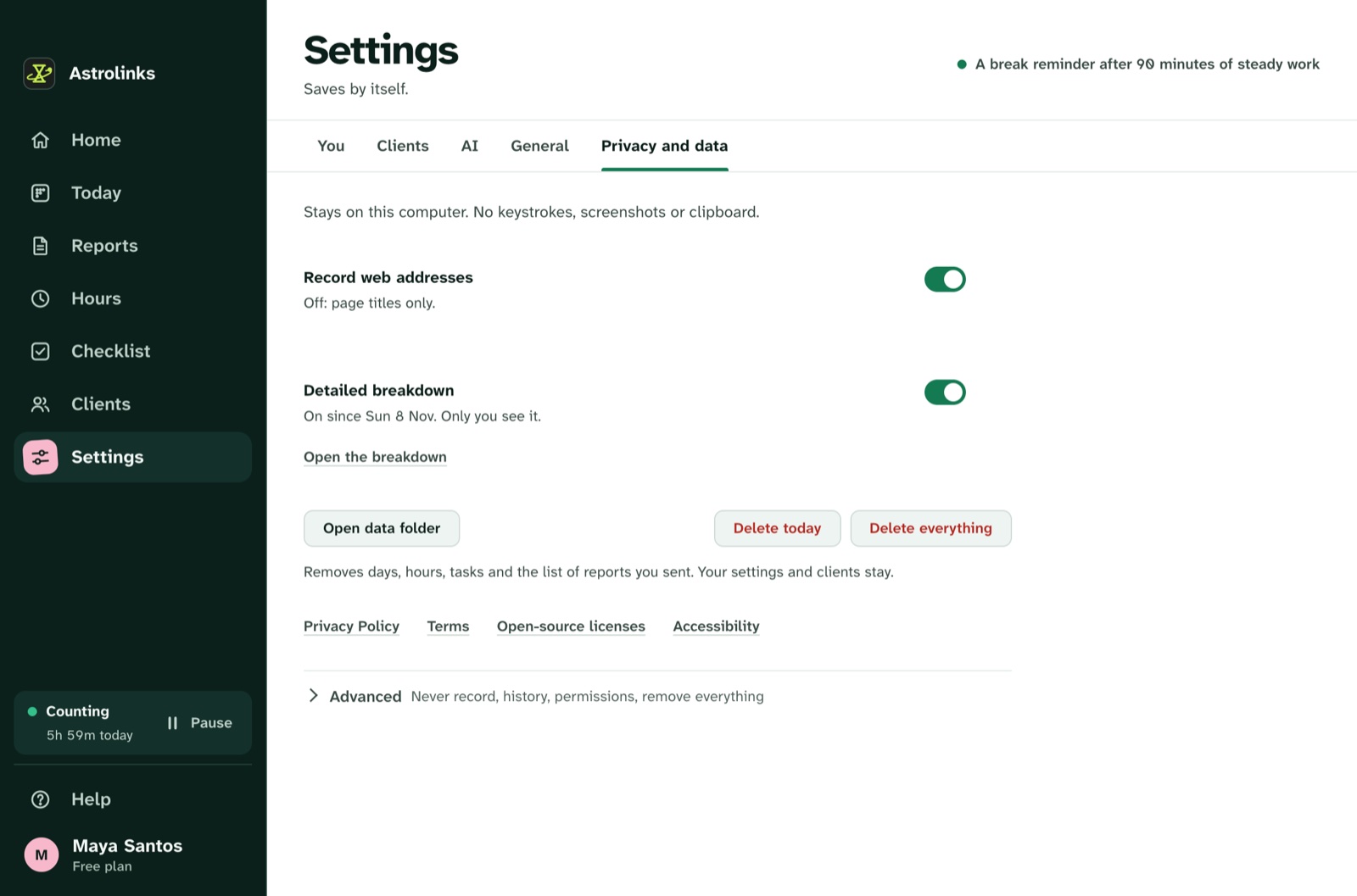
We make Astrolinks, a desktop app for Mac and Windows, and it was designed around this kind of minimisation. The detailed log of apps and windows stays on the person's own computer. It takes no screenshots, records no keystrokes and skips private browser windows. At clock-out it writes a report per client on the computer, with no AI needed.
On the Team plan, the company's inbox receives only the reports people choose to send, and each person decides whether their hours are included. That is not a full working time system for every country's rules, so check what yours requires, but it keeps what the company holds small. See the privacy design or Astrolinks for companies.
The short version
EU employers are increasingly expected to record working time, and the GDPR decides how. Pick a purpose and a lawful basis that isn't consent, record the minimum, tell staff first, let them see and correct their records, keep data for a set time and avoid screenshots and activity scores. Then have a local lawyer check the details for each country where your people work.