 Astrolinks
Clockify is popular for a good reason: a free plan for small teams, timesheets, approvals, invoicing and apps everywhere. People look for a Clockify alternative when they want less to fill in, when their company switched on monitoring and they’d rather not be watched, or when what they really need is the daily client update, not another timesheet. Here is an honest look at both.
Clockify and Astrolinks at a glance
| Clockify | Astrolinks | |
|---|---|---|
| How time is captured | Timer, timesheet, kiosk, and an auto tracker for apps and sites | Automatic: a private log of your workday |
| Screenshots | Optional, with activity monitoring on higher plans; switched on by an admin, blurred by default | No, never |
| Keyboard and mouse | Used to mark time active or idle, with monitoring | No keystroke logging |
| Where the data lives | Clockify’s cloud, with data regions on higher plans | On your own computer |
| What a manager sees | Timesheets, reports and, with monitoring, screenshots | Only the reports people choose to send |
| End-of-day report written for you | Not verified | Yes, one per client at clock-out |
| Invoicing | Yes, on Standard and up | Yes, on every plan, fully editable, with "work done" lines |
| Timesheet approvals | Yes, on Standard and up | No |
| Platforms | Web, Windows, Mac, Linux, iPhone, Android, browser extensions | Mac and Windows (Windows is a free beta) |
| Price model | Free plan for up to 5 users; paid plans per seat per month; 7-day trial, no card (their pricing) | Free plan; Pro; Team per seat from 2 seats; Business; 7-day Pro trial, no card (our pricing) |
What Clockify is, in its own words
Clockify calls itself "the most popular time tracker for teams". From its own site and help center, checked on Nov 10, 2026:
- Time tracking by timer, timesheet or kiosk, with an auto tracker that records apps and websites
- Timesheet approvals, rates, reports and invoicing on paid plans
- Activity monitoring on its higher plans: once someone with authority agrees to it, an admin can turn on screenshots, every 30 seconds to 30 minutes, blurred by default and deleted after 60 days
- Keyboard and mouse activity to mark time active or idle
- Data regions (US, EU, UK, Australia) on higher plans
- A free plan for up to 5 users, paid plans per seat, and a 7-day trial with no card
It is built for teams and businesses, freelancers and agencies.
What Astrolinks is
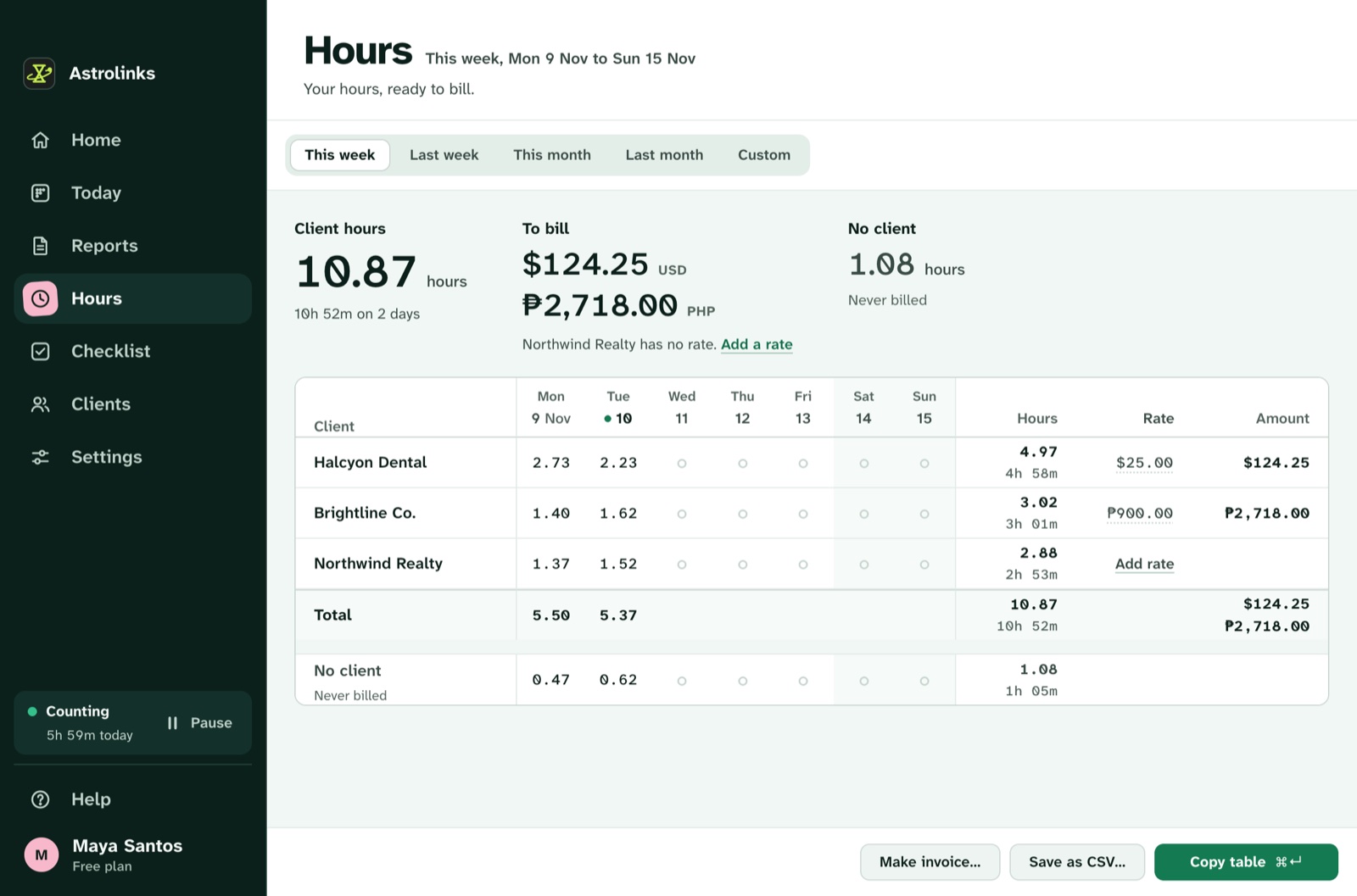
Astrolinks is a desktop app for Mac and Windows (Windows is a free beta). It keeps a private log of your workday on your own computer and writes each client’s end-of-day report at clock-out. You check it and send it by Copy, Slack or email, or save a PDF, Word or text file. Hours become invoices you can fully edit, with "work done" lines. There is a checklist with reminders and notes, and a Team inbox where people send the reports they choose.
Who should choose Clockify instead
Pick Clockify if:
- you need a free tool for a small team, with timesheets for everyone
- you want approvals, a kiosk, or time off and attendance in one place
- you need web, phone and Linux apps
- your company wants optional monitoring in the same tool as timesheets
Why people choose Astrolinks
- Nothing to fill in. No timer and no timesheet: the day logs itself, by client.
- The update is written for you, one report per client, ready to send.
- No monitoring, on any plan. The log never leaves the person’s computer unless they send something.
- Companies get daily visibility from reports in one Team inbox, and can try it with a free 30-day pilot.
A note on this comparison
Clockify is a trademark of its owner, used here only to name the product we compare. We wrote this from Clockify’s own public pages on Nov 10, 2026. Plans change, so check Clockify’s site before you decide.