 Astrolinks

Short answer
OOO means out of office: you're away from work, on leave, sick, traveling or off for the day, and won't be answering messages as usual. At work it appears in calendars, Slack statuses and automatic email replies. A good OOO message gives your return date and who to contact while you're away.
Want your EOD report written for you? Astrolinks writes it from your actual workday when you clock out. Get it free →
OOO means out of office: you're away from work and won't answer messages as usual. That covers a vacation, a sick day, a conference, a trip or an afternoon off. In short, the OOO meaning at work is "I'm not here right now, here's when I'll be back."
You'll see OOO in calendar invites, Slack and Teams statuses, and automatic email replies. This guide covers what OOO means at work and in texts, how it compares with PTO, WFH and similar terms, ready-to-use OOO templates, and what to sort out before you go.
What does OOO mean at work?
At work, OOO is a status. It tells colleagues and clients that you're unavailable, so they shouldn't expect a quick reply. Some common uses:
- In a calendar: a block called "OOO" or "Out of office" across the days you're away, so nobody books you.
- In chat: a status like "OOO until Monday" next to your name in Slack or Teams.
- In email: an automatic reply that tells anyone who writes to you that you're away and when you'll be back.
- In conversation: "I'm OOO Thursday and Friday" or "Sam is OOO today, can I help?"
OOO doesn't say why you're away, and it doesn't need to. A sick day, a holiday and a work trip can all be OOO.
You'll sometimes see OOTO, "out of the office." It means the same thing.
What does OOO mean in texts?
In a work text, OOO still means out of office: "OOO tomorrow, back Wednesday."
In casual texts, lowercase ooo is often just a sound, the way you'd say "ooh." "Ooo that looks good" or "ooo, where is that?" shows interest or excitement, not an absence. If it's in a message about work or schedules, it means out of office. If it's a reaction to a photo, it doesn't.
OOO vs PTO, WFH, AFK and other status terms
These short forms sit close together. Here's a quick reference:
| Term | Stands for | What it tells people |
|---|---|---|
| OOO | Out of office | Away from work, not answering as usual |
| OOTO | Out of the office | Same as OOO |
| PTO | Paid time off | The leave itself, such as vacation days |
| WFH | Working from home | Working as normal, just not in the office |
| AFK | Away from keyboard | Stepped away for a short while |
| BRB | Be right back | Back in a few minutes |
| EOD | End of day | The end of the workday, or a deadline then |
The most common mix-up is OOO vs WFH. If you're working from home, you're not out of office in the sense people care about: you're still answering. Use OOO only when you're actually unavailable.
How do you write an OOO message?
A good out of office message answers four questions in a few lines:
- When are you away? Give the dates.
- When will you be back? Give the day you return, not just the last day you're out.
- Will you check messages? Say no, or say how often, and be honest.
- Who can help in the meantime? Name a person and how to reach them, or say how urgent matters are handled.
Keep it short and leave out anything you wouldn't want a stranger to read. Automatic replies go to everyone who emails you, including newsletters and people you've never met, so skip your travel plans and your personal phone number.
In Gmail the feature is called the vacation responder. In Outlook it's called automatic replies. Both let you set start and end dates so it switches itself off.
OOO templates you can copy
Simple email auto-reply
Thanks for your email. I'm out of the office from [start date] to [end date] and won't be checking email. I'll reply when I'm back on [return day and date].
Email auto-reply with a backup contact
Hi, thanks for your message. I'm out of the office until [return day and date] with limited access to email.

For anything urgent, please contact [name] at [email]. Otherwise, I'll get back to you after I return.
Auto-reply for freelancers and client work
Thanks for getting in touch. I'm away from [start date] to [end date] and will reply to all messages from [return date].

Current clients: your work is scheduled as agreed, and [name] is covering anything urgent at [email]. New inquiries: I'll answer in the order they arrived.
Half day or single day
I'm out of the office today, [day and date], and back tomorrow morning [your time zone]. For urgent questions please contact [name] at [email].
Slack or Teams status
Status lines are short, so lead with the return date:
- "OOO, back Mon Dec 7"
- "OOO until Wed. Urgent: message @[name]"
- "Out sick today, back tomorrow"
- "At a conference, slow replies until Thu"
If you work with people in other time zones, add yours to the return date: "back Mon 9 a.m. ET." It saves someone from waiting for a reply that is still hours away.
What should you do before going OOO?
An auto-reply tells people you're away. A handover makes sure nothing breaks while you are. Before a planned absence:
- Tell people early. Your manager, your team and any clients should hear it from you, not from an auto-reply.
- Write a handover. List each open task, its status and the next step, plus deadlines, contacts and where files live. Keep it somewhere your cover person can find it, and walk them through it before you go.
- Finish or reschedule deadlines. Anything due while you're away needs an owner or a new date.
- Block your calendar and decline meetings that fall in the gap.
- Set the auto-reply and the chat status before you log off on your last day, not from the airport.
- Send a last-day update. A short end-of-day report on your final day before leave tells everyone where things stand. Our end-of-day checklist covers the routine.
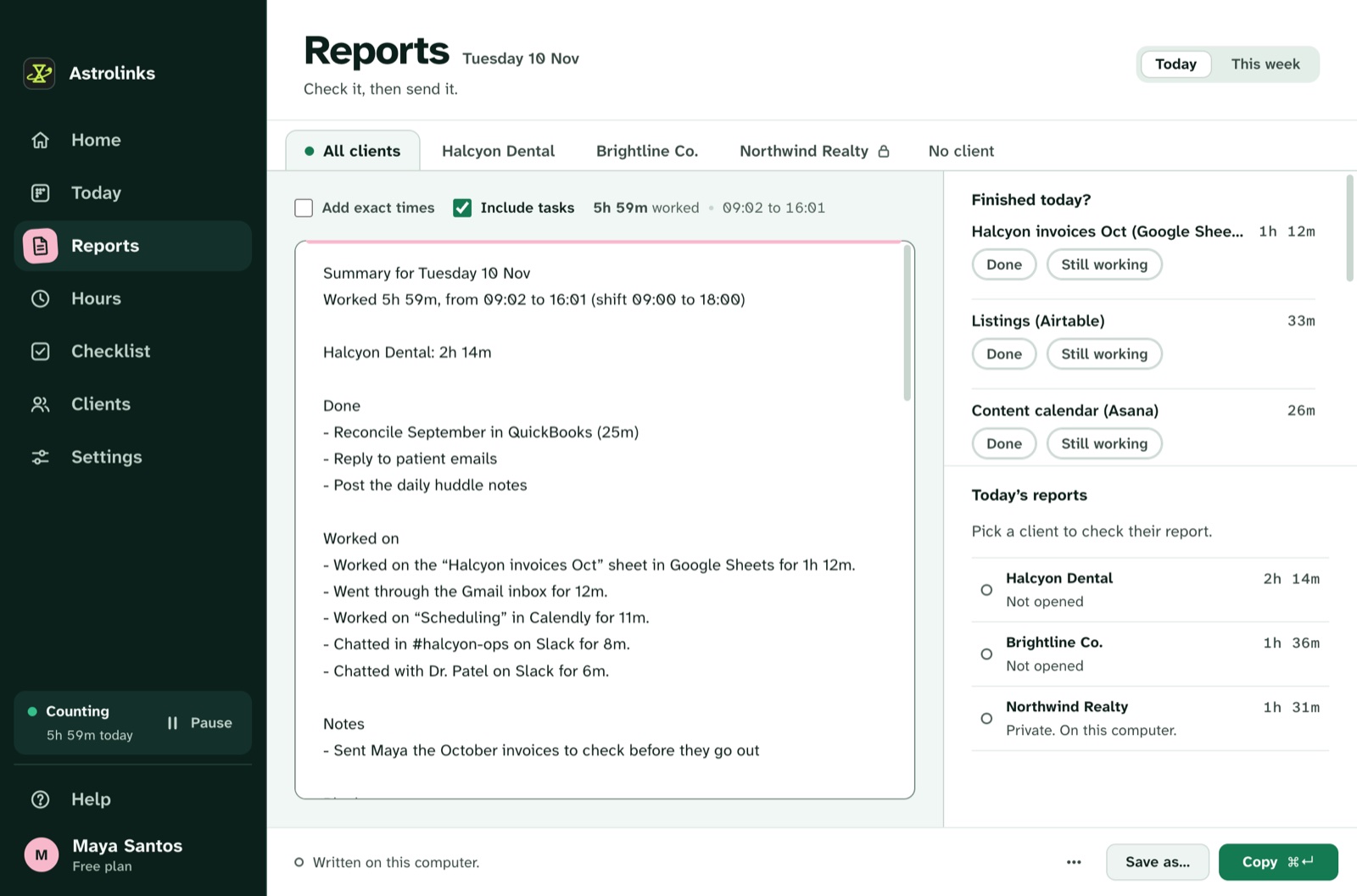
That last-day report is easier if you haven't had to reconstruct the day from memory. Astrolinks keeps a private log of your workday on your own computer, with no screenshots and no keystroke logging, and writes each client's end-of-day report at clock-out, so the note that goes out before your OOO starts takes a few minutes to check rather than half an hour to write. See how end-of-day reports work.
When you come back
Coming back is the other half. Turn off the auto-reply and clear the status first thing. Then read your handover notes before your inbox, since your cover person's notes will tell you what's already handled. A short "I'm back, here's where things stand" message to clients on your first day closes the loop.