 Astrolinks


Short answer
An employee monitoring policy tells staff exactly what the company records, why, who can see it, how long it is kept and what they can ask for. Copy the template below, fill in each bracket, remove anything you don't actually collect, and have every employee read and acknowledge it before any monitoring starts.
Astrolinks tracks work by client with no screenshots or keystroke logging, and the log stays on your computer. Get it free →
Most employee monitoring policies are written to protect the company in a dispute. They are long, vague and full of phrases like "including but not limited to." Employees sign them without reading, and the first time they learn what is really recorded is when something goes wrong.
A better policy is short and specific. It tells people exactly what is collected, why, and who sees it. It also says what is never collected. That clarity protects the company too, because a policy people actually understand is much harder to argue with later.
This page gives you a template you can copy, explains each section, and lists the mistakes that make monitoring policies backfire. It is not legal advice; rules vary by country and state, so have a local employment lawyer check your final version.
What is an employee monitoring policy?
An employee monitoring policy is a written notice that explains how a company observes or records employees' work. That can include email and chat on company accounts, website access on the company network, time tracking, security logs, call recording, location for field staff, and software that records activity on a computer.
The policy should answer six questions for an employee:
- What exactly is recorded?
- On which devices and accounts?
- Why?
- Who can see it?
- How long is it kept?
- What can I see, correct or ask about?
If your policy answers those six clearly, it is doing its job.
Do you have to tell employees they are monitored?
In many places, yes.
- EU and UK. Under the GDPR and the UK GDPR, employers must tell people what personal data they collect, the purpose and the legal basis, how long it is kept and what rights they have. Consent is rarely a sound basis at work, because of the imbalance of power between employer and employee, so most employers rely on another basis and must show the monitoring is necessary and proportionate. Systematic monitoring of staff often calls for a data protection impact assessment.
- United States. Rules vary by state. New York requires employers who monitor employees' phone, email or internet use to give written notice at hiring, get an acknowledgement and post the notice. Connecticut and Delaware also have electronic monitoring notice laws.
- Elsewhere. Many countries have privacy laws that require notice for collecting employee data. Check the rules where each employee works, not only where the company is registered.
Even where notice is not required, secret monitoring tends to come out eventually, and it costs far more trust than it ever saved.
The employee monitoring policy template
Copy this, fill in every bracket, and delete any line that describes something you don't do. A policy that lists tools you don't use is as misleading as one that leaves tools out.
[Company name] Workplace Monitoring Policy
Effective: [date] Owner: [role, for example Head of Operations] Questions: [email]
1. Why we have this policy. We want you to know exactly what we record about your work, why, and who can see it. If something isn't listed here, we don't collect it.
2. What this policy covers. Company-owned devices: [list, for example laptops issued by the company]. Company accounts: [list, for example work email, Slack, Google Workspace]. It does not cover your personal devices or personal accounts. [If you have a bring-your-own-device rule, describe it here.]
3. What we record and why.
What How Why Who can see it Kept for [Work email on company accounts] [Stored by the email provider] [Business records, security] [IT admin, only on request from Legal] [Retention period] [Hours worked] [Timesheets you submit] [Payroll, client billing] [Your manager, Finance] [Period required by law] [Daily work reports] [Reports you write and send] [Planning, client updates] [Your manager] [Period] [Security logs] [Sign-ins and device health] [Protect company systems] [IT security] [Period] 4. What we never record. [For example: screenshots of your screen, keystrokes, webcam or microphone, personal accounts, private browsing, your location outside working hours.]
5. How the data is used. We use this data only for the reasons in section 3. We do not use it to [for example: rank employees by activity, or make decisions about you automatically].
6. Your rights. You can ask to see the data we hold about you, ask us to correct it, and ask questions about this policy at [email]. [Add the rights that apply where you work.]
7. Changes. We will tell you in writing at least [number] days before we change what we record.
8. Acknowledgement. I have read this policy and understand what is recorded. Name: ______ Date: ______
How do you fill in each section?
What this policy covers
Name the actual devices and accounts. "Company systems" is too vague. If people use their own laptops, say whether anything is installed on them. Most fair policies limit monitoring to company devices and company accounts, because a personal laptop also holds family photos, medical portals and other jobs.
What you record and why
This table is the heart of the policy. Every row needs a reason that would make sense to the employee. "Security" is a real reason for sign-in logs. It is not a real reason for screenshots every ten minutes. If you can't write a reason you'd be comfortable reading aloud to the team, reconsider collecting it.
What you never record
Most policies skip this section, and it is the one employees read first. A clear "never" list does more for trust than any amount of reassuring language. Be careful to list only what is true; if a tool can take screenshots on a setting someone could switch on, say so.
Retention
Pick a period for each row and stick to it. "Indefinitely" is a red flag for regulators and for employees. Shorter is usually safer: data you no longer hold can't leak.
What does a filled-in policy look like?
Here is section 3 as a small remote agency of twelve people might fill it in. Notice how short it is when you only collect what each reason needs.
| What | How | Why | Who can see it | Kept for |
|---|---|---|---|---|
| Hours worked per client | Timesheets each person submits weekly | Client billing and payroll | Your manager, Finance | As long as tax law requires |
| Daily work reports | Reports each person writes and sends | Client updates, spotting blockers | Your manager | 90 days |
| Sign-ins to work accounts | Logged by our email and file provider | Account security | Operations lead | The provider's default period |
And the "never" line: "We never record screenshots, keystrokes, webcam, microphone, personal accounts or private browsing, and we never install monitoring software on personal devices."
That is the whole monitoring picture for many small teams. If yours is much longer, ask whether each extra row has a reason you could explain to the person it describes.
What mistakes make monitoring policies backfire?
- Vague wording. "We may monitor all activity" tells people nothing and invites the worst assumption.
- Collecting first, explaining later. Install nothing until the policy is out and acknowledged.
- Listing reasons that don't match the tool. If the reason is client billing, hours are enough. Screenshots add nothing to an invoice.
- No route for questions. Name a person or an email address, and make sure someone answers.
- Using monitoring data for things the policy doesn't mention. If the policy says "payroll," don't start using the same data to rank people.
- Forgetting contractors. If freelancers or agency staff use your systems, they need the same notice.
Is there a less invasive way to get what you need?
Before writing a monitoring policy, write down the question the monitoring is supposed to answer. Usually it is one of these:
- "Is the work getting done?" Answer it with outcomes and a short daily written update.
- "How many hours should we bill or pay?" Answer it with timesheets or hours the person reviews.
- "Are our systems secure?" Answer it with security logs, device health checks and access controls.
None of those needs screenshots or keystroke logs. Our guide to time tracking without screenshots goes through the alternatives, and how to manage remote teams covers managing by outcomes.

How should you roll out a monitoring policy?
- Draft it with the template above, and remove every row you don't need.
- Check the law where each employee works, with a lawyer if possible.
- Share it before anything is installed, with time for questions.
- Hold a short meeting where people can ask "can you see X?" and get a straight answer.
- Collect acknowledgements, and keep them with the employee record.
- Review it once a year, and whenever you add a tool.
Where Astrolinks fits
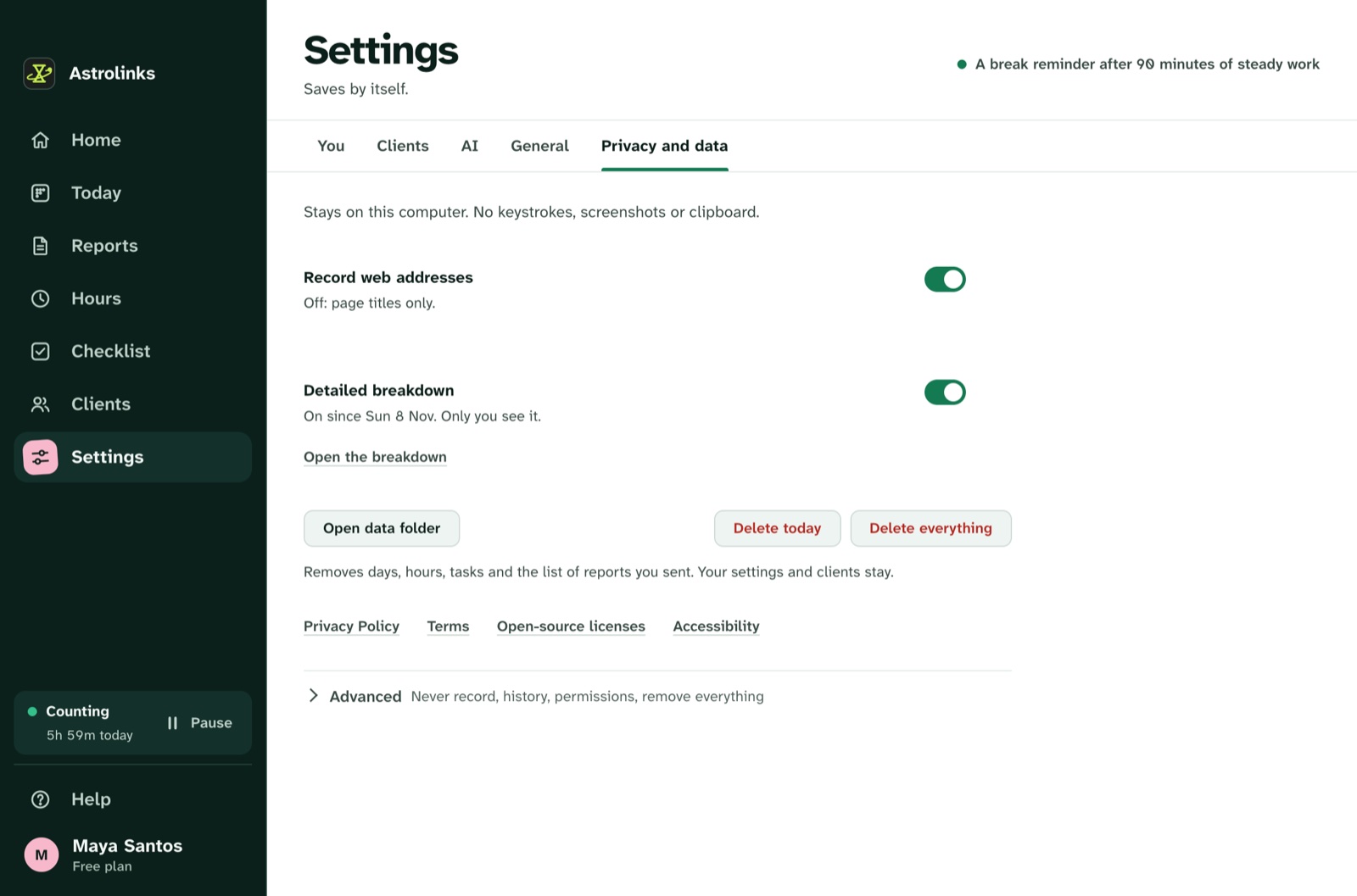
We make Astrolinks. It was designed so that the "never record" section of a policy can be long. The app keeps each person's work log on their own computer. It takes no screenshots, records no keystrokes and skips private browser windows. On the Team plan, the company's inbox only receives the reports people choose to send, and each person decides whether their hours are included.
For a policy, that means one simple row: "Daily work reports, written and sent by you, seen by your manager." See how the privacy design works, or read about Astrolinks for companies.
The short version
Say what you record, where, why, who sees it and for how long. Say what you never record. Put it in writing before anything is installed, answer questions honestly, and collect only what each reason needs. A short, honest policy is easier to follow, easier to defend and much better for trust than a long one nobody reads.